
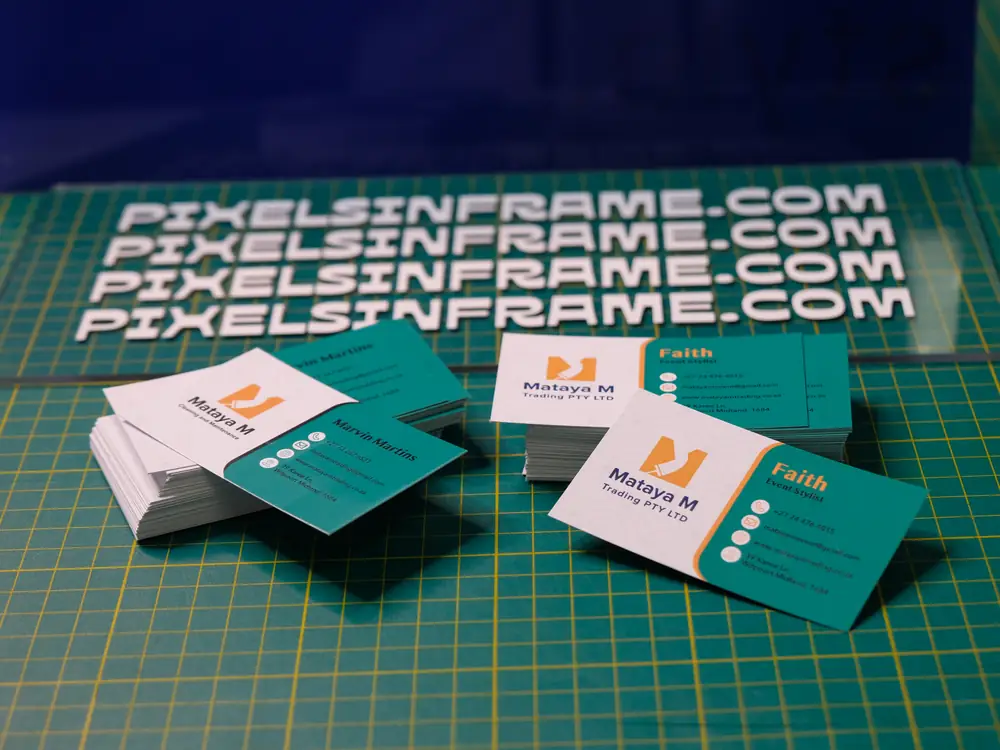
Nothing slows a print job down like artwork that isn’t ready to print. Blurry logos, colours that look different on paper, or text cut off at the edge are almost always caused by the file, not the printer. Here’s a simple checklist to get your artwork right the first time.
1. Use the right size, plus bleed
Set your document to the exact finished size, then add 3 mm bleed on every side. Bleed is extra background that gets trimmed off, so you never see a thin white line at the edge. An A5 flyer (148 × 210 mm) becomes 154 × 216 mm with bleed. See our paper sizes guide for every A-size.
2. Keep text inside the safe zone
Keep logos, phone numbers and text at least 3–5 mm inside the trim line. Anything closer risks being cut off.
3. 300 DPI for print
Screens show images at 72–96 DPI, but print needs about 300 DPI at the final size. A logo copied from a website or social media is usually too small and will print blurry. Large items such as banners can be lower (100–150 DPI) because they’re seen from further away.
4. CMYK, not RGB
Printers mix four inks: cyan, magenta, yellow and black (CMYK). Screens use light (RGB), which can show brighter colours than ink can print, especially neon greens, electric blues and bright oranges. Design in CMYK, or expect bright colours to print slightly softer.
5. Use vector logos where you can
A vector logo (AI, EPS, SVG or PDF) stays sharp at any size, from a business card to a gazebo. If you only have a small JPG or a screenshot of your logo, we can redraw it as a vector for you.
6. Convert fonts and export a PDF
Send a high-quality PDF with fonts embedded or converted to outlines, so the text looks exactly as you designed it. Canva users: choose PDF Print and tick Crop marks and bleed.
7. Check before you send
- Spelling, phone numbers and website address
- Correct size and orientation
- Bleed added and nothing important near the edge
- Images sharp when zoomed to 100%
No artwork? We can help
Don’t worry if this sounds technical. Send us what you have and we’ll check it, fix small issues, and always send a proof before printing. Need it designed from scratch? Our design team can set it up. See our business card and flyer printing or WhatsApp us with your file.
Ready to print? Walk in at our print shop in Midrand at Carlswald Décor Centre, or WhatsApp your file to 076 569 1455 for a free proof.