
Whether you’re an architect sending drawings to a client, a builder who needs site copies, or a homeowner taking plans to your contractor, printing plans properly saves time and arguments on site. Here’s what to know about sizes, scale, colour and cost before you print building plans in Midrand.
Which size should your plans be?
Building and architectural plans are almost always printed on the large A sizes:
- A0 (841 × 1189 mm): full site plans and detailed layouts. The standard size for most architectural sheets.
- A1 (594 × 841 mm): floor plans, elevations and sections. A good balance between detail and handling on site.
- A2 (420 × 594 mm): smaller drawings, details, site copies and quick reference sets.
For every size in millimetres, centimetres and inches, see our paper sizes guide.
Keep the scale correct
A plan drawn at 1:100 only measures correctly if it is printed at the paper size it was drawn for. The most common mistake we see is a drawing set up for A1 printed on A2 “to save money”: everything shrinks, and anyone measuring off the sheet gets the wrong answer.
- Export a PDF at the final paper size. In AutoCAD, Revit or ArchiCAD, choose the sheet size you want printed (for example ISO A1) and plot to PDF at 1:1.
- Check the title block. The scale and sheet size written there should match the size you ask us to print.
- Keep a scale bar on the drawing. If a sheet is ever reduced, a scale bar still lets people measure correctly.
Black & white or colour?
Most construction sets are printed in black & white: line drawings are clear, and site copies get dirty and folded anyway. Choose colour for client presentations, landscaping and 3D views, site development plans with colour-coded zones, and anything going on a wall.
How many copies do you need?
A typical project needs more sets than people expect:
- One set for the client or homeowner
- One or two site sets for the builder and subcontractors
- Sets for the engineer, quantity surveyor or other consultants
- Extra copies of the key sheets, which tend to get lost or damaged on site
Printing everything at once is cheaper and quicker than coming back for single sheets later.
Protecting plans on site
Paper plans don’t last long on a building site. Laminating the sheets the team uses every day keeps them readable through dust, rain and coffee. For presentations, show houses or sales offices, plans can be mounted on board so they stand up and look finished.
What does plan printing cost in Midrand?
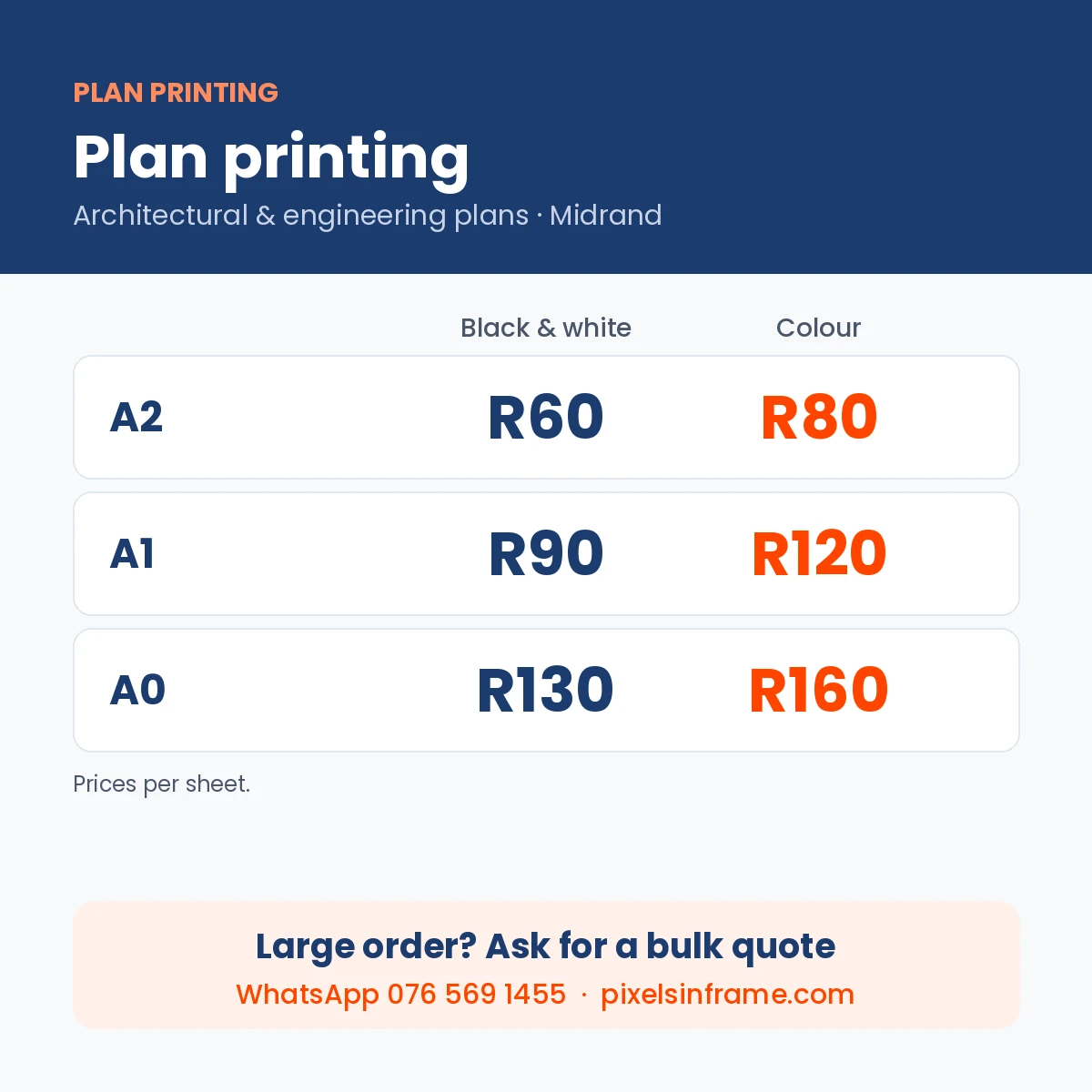
At Pixelsinframe, plans are priced per sheet:
| Size | Black & white | Colour |
|---|---|---|
| A2 | R60 | R80 |
| A1 | R90 | R120 |
| A0 | R130 | R160 |
For example, a 10-sheet A1 set in black & white is R900, and three sets for client, builder and engineer come to R2,700. Lamination and mounting are quoted on request.
Quick checklist before you send your plans
- PDF exported at the final sheet size (A2, A1 or A0)
- Scale in the title block matches the sheet size
- Black & white or colour decided for each sheet
- Number of sets confirmed
- Lamination or mounting needed? Say so up front
Print your plans in Midrand
We print plans A2 to A0 at our walk-in studio at Carlswald Décor Centre, Halfway Gardens, close to Kyalami, Waterfall and Vorna Valley. Small jobs are usually ready the same day, and full sets in 1–2 working days. See prices and send your files on our plan printing in Midrand page, or WhatsApp your PDFs to 076 569 1455.